Keycards vs Mobile Credentials for Business

A lost employee keycard can create a small but immediate security task: find the record, deactivate the card, issue a replacement, and confirm the former card no longer opens any door. With mobile access, that process may take minutes from an administrative console. But keycards vs mobile credentials is not simply a question of old technology versus new technology. The right choice depends on your building, workforce, existing hardware, security requirements, and how much change your operation can support.
For many businesses, the strongest answer is not an all-or-nothing replacement. It is a practical access control plan that gives employees a reliable way in, keeps administration manageable, and fits the systems already in place.
Keycards vs Mobile Credentials: The Core Difference
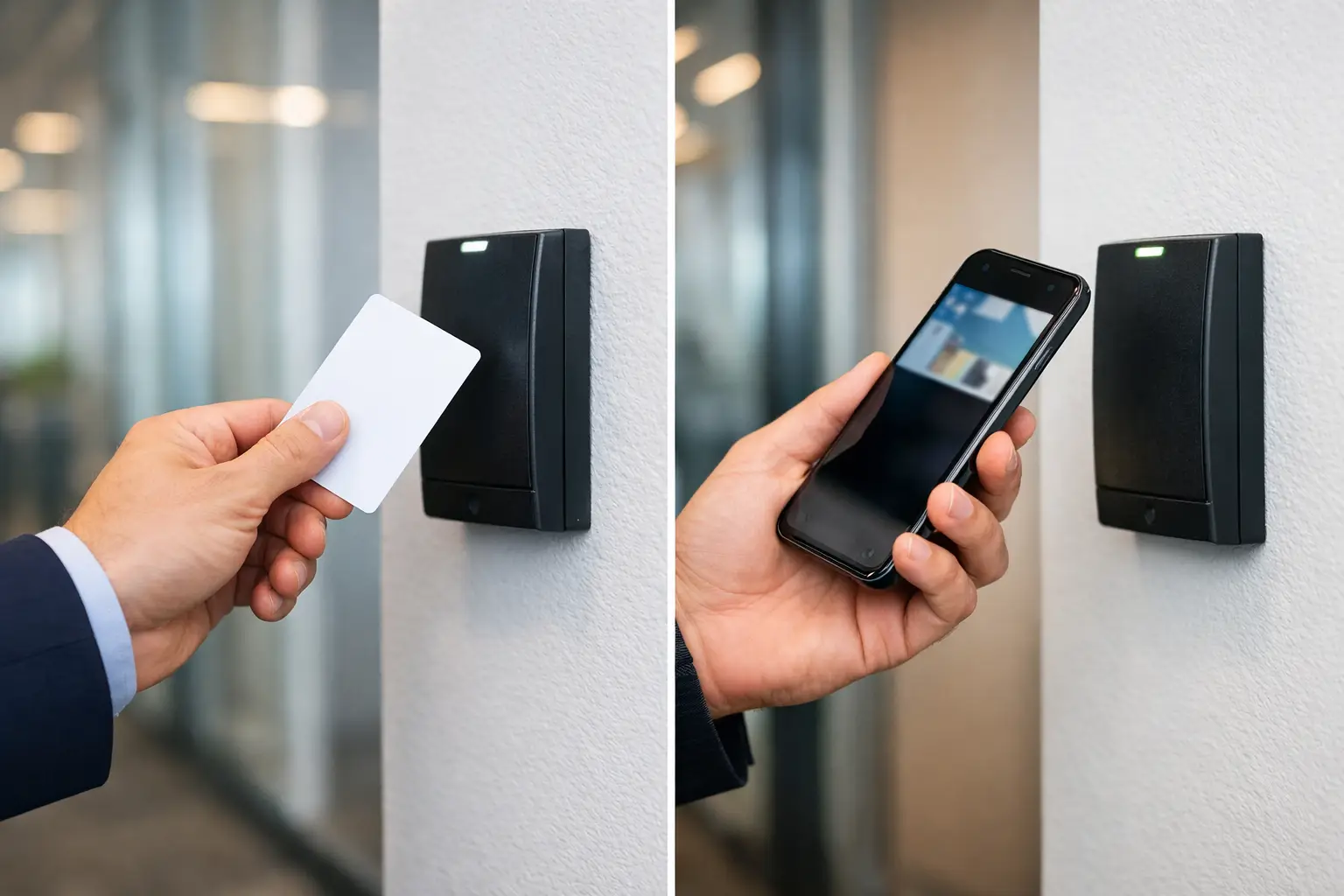
Keycards are physical access credentials. They may be proximity cards, smart cards, key fobs, or badges that employees present to a reader. The reader checks the credential against permissions set in the access control system and either releases the door or keeps it locked.
Mobile credentials use a smartphone, and sometimes a wearable device, as the credential. Depending on the system, the user may tap the phone at the reader, hold it nearby, or use a secure digital pass stored in a mobile wallet or access app. Administrators issue, change, suspend, and revoke permissions through the access control platform.
Both options can support common business needs, including scheduled door access, separate permissions for staff and managers, audit trails, restricted areas, and multi-site administration. The meaningful differences are in how credentials are issued, carried, replaced, secured, and supported day to day.
Where Keycards Still Make Sense
Physical cards remain a dependable choice for offices, retail stores, warehouses, medical practices, and commercial properties. They are familiar to employees, easy to hand out during onboarding, and simple to use without requiring a personal device.
That last point matters more than it may seem. Not every workforce can or should be expected to use a smartphone for work access. Shared shift teams, contractors, temporary employees, frontline staff, and employees without compatible devices can all make a card-based system the more practical option.
Keycards also work well when a business already has compatible readers and a functioning access control platform. Reusing existing infrastructure can reduce upfront project costs and limit disruption. If the current system is secure, reliable, and easy to manage, replacing every reader solely to add mobile access may not be the best first investment.
There are trade-offs. Cards can be misplaced, borrowed, damaged, or left in an employee's vehicle. They must be physically printed or programmed, distributed, recovered during offboarding, and replaced when lost. A card is also easier to share intentionally, which can weaken accountability unless policies and audit reviews are consistently enforced.
Why Businesses Are Moving Toward Mobile Access
Mobile credentials reduce the dependence on a physical card inventory. A new employee can receive access remotely before their first day. A departing employee's permission can be removed quickly, even if they never return a badge. For multi-location businesses, this can make onboarding and offboarding noticeably easier.
Mobile access can also improve the employee experience. Most people already carry a phone throughout the workday, so they are less likely to forget their credential. This is particularly useful for offices with multiple controlled doors, flexible schedules, shared workspaces, or employees who travel between sites.
From a security standpoint, smartphones often add protection that standard proximity cards do not provide on their own. A phone may be protected by a passcode, biometric authentication, encrypted storage, and remote device-management policies. Modern mobile credential platforms can also support secure communication methods designed to reduce common cloning risks associated with older, low-frequency card technology.
However, mobile credentials are not automatically more secure just because they are mobile. Security depends on the credential technology, reader configuration, system administration, device policies, and the process used to approve access. A poorly managed mobile deployment can still create gaps, especially when employees use personal devices or when administrators do not promptly remove access.
Cost Is More Than the Price of a Card
A basic comparison can make keycards appear less expensive. Physical cards and fobs have a low per-unit cost, while mobile access may require compatible readers, software licensing, cloud management, or credential subscription fees.
The long-term cost picture is more nuanced. Cards require purchasing stock, printing or programming, replacement handling, and staff time. At a single small office with low turnover, those costs may be modest. Across several sites with regular hiring, contractors, lost badges, and changing access needs, credential administration can become a recurring operational burden.
Mobile credentials can reduce some of that work, but they may introduce other costs. Older readers may need upgrades. Some systems need reader modules, licenses, or platform changes to enable phone-based entry. There can also be time spent communicating rollout instructions, helping employees enroll devices, and maintaining a fallback process for phone issues.
Before making a decision, evaluate the full project scope: existing readers, door hardware, controller capacity, software compatibility, credential volumes, training needs, and ongoing service requirements. The lowest initial price is not always the lowest cost over three to five years.
Compatibility Can Decide the Project
The condition of your current access control system should shape the decision. Many newer systems can support both cards and mobile credentials through reader upgrades or configuration changes. Others may require a broader modernization effort, particularly if the property uses outdated readers, unsupported software, or separate systems at different locations.
This is where a site assessment is valuable. An installer should verify reader technology, power and cabling conditions, door locking hardware, fire and life-safety integration, network connectivity, and the management platform behind the doors. Mobile access depends on more than a new reader at the entrance. The entire access control environment must be stable and properly configured.
For businesses with several locations, standardization is especially important. A mixed environment can be appropriate during a phased rollout, but it should be intentional. If one location uses a different credential format, software platform, or enrollment process than another, administration becomes harder and staff confusion increases.
A Hybrid Approach Is Often the Best Fit
The practical choice between keycards and mobile credentials is often both. A hybrid system allows the business to issue mobile credentials to office staff, managers, and frequent travelers while keeping cards or fobs available for visitors, contractors, shared-device environments, and employees who prefer not to use a personal phone.
A hybrid approach also provides continuity. If a phone battery dies, is replaced, or is unavailable, the employee can still use a backup card. If a visitor needs temporary access, a physical credential may be faster to issue and retrieve. This flexibility is useful for organizations that need stronger control without creating unnecessary friction at the door.
The key is to maintain clear rules. Decide who receives mobile access, who needs a physical backup, how temporary credentials are issued, and who has authority to approve changes. Review access reports regularly, particularly for high-risk areas such as server rooms, inventory storage, management offices, and restricted workspaces.
Questions to Answer Before You Choose
Start with the people using the system. Are they office-based, mobile, shift-based, temporary, or spread across multiple locations? Then consider the operational reality: how often are cards lost, how quickly must access be changed, and does your team have time to manage credentials manually?
Next, look at security expectations. A small retail back room and a regulated records area may require different levels of control. Consider whether you need detailed audit history, time-based access, anti-passback features, visitor access, or integration with alarms, cameras, and other workplace systems.
Finally, assess your infrastructure honestly. If readers, cabling, network equipment, or management software are due for replacement, mobile credentials may be a smart part of a larger upgrade. If the existing system is sound and your workforce benefits from physical cards, a card-first approach can remain the right operational decision.
A well-planned access control project should make entry easier for authorized people and harder for everyone else. Tekmatik can help evaluate the doors, readers, network, and management process behind that outcome, then build a rollout that fits how your business actually operates.
Comments