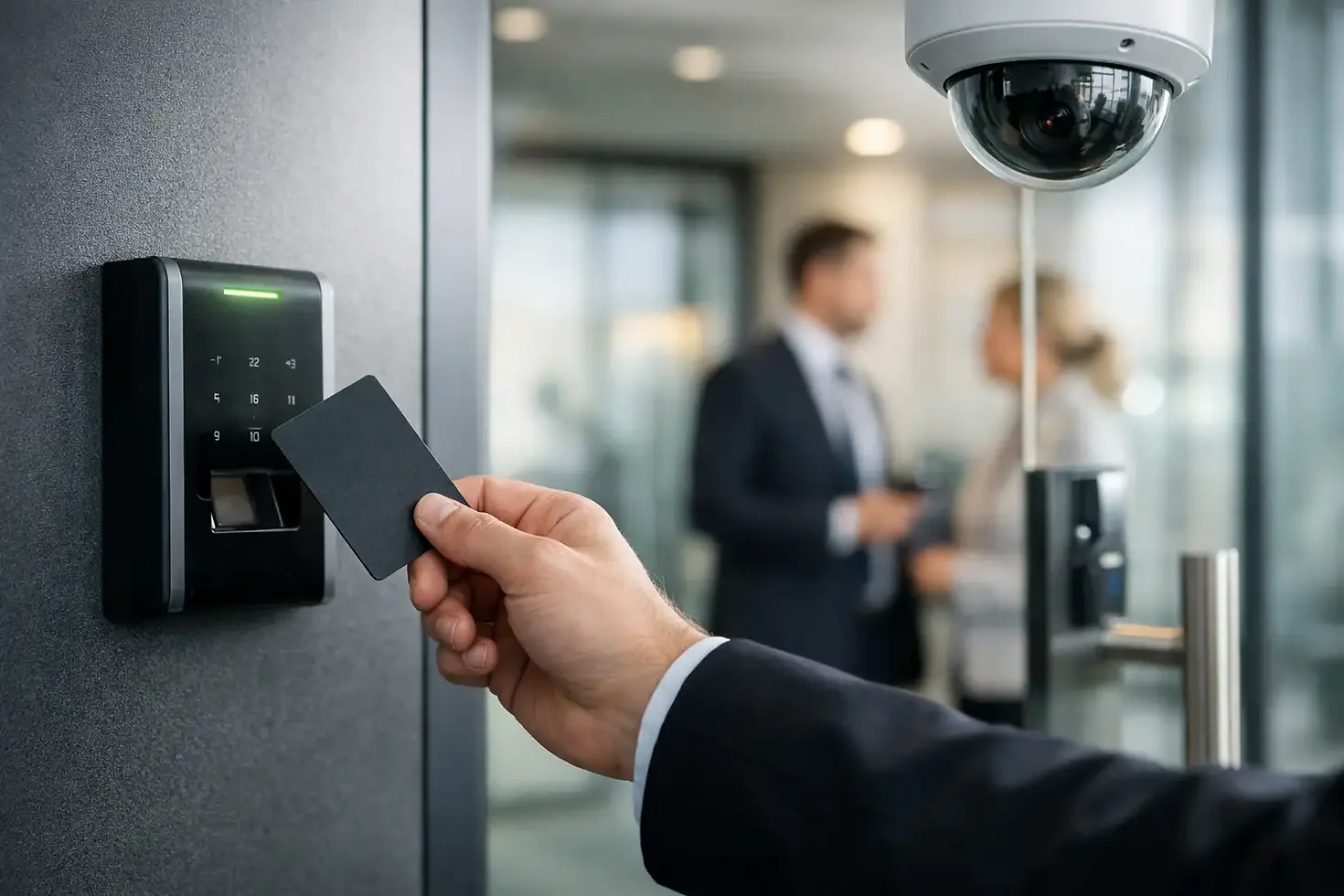
Commercial Access Control Guide for Businesses

A lost key can become a costly security problem long after it disappears. A former employee may still have access, a contractor may copy a key, or a manager may not know who entered a sensitive area after hours. This commercial access control guide explains how businesses can replace that uncertainty with clear, manageable control over who enters each door and when.
For small and mid-sized businesses, access control is not simply about installing card readers. It is a working part of site security, employee operations, network planning, and facility management. The right system should protect the areas that matter without making daily entry difficult for employees, visitors, deliveries, or approved service providers.
Start With the Doors That Create the Most Risk
Not every door needs the same level of control. The most effective projects begin with a review of how people actually move through the site, rather than applying the same hardware to every opening.
A main entrance may need scheduled access for staff, a video intercom for visitors, and remote release for reception. A stockroom, server closet, pharmacy area, cash office, or records room may require individual credentials and a detailed activity history. An emergency exit needs to remain safe and code-compliant while preventing unauthorized use.
Ask practical questions before selecting equipment. Which doors are unlocked all day? Who currently holds keys? Are there areas employees should access only during certain shifts? Does a manager need to grant entry remotely? Will the system need to cover additional locations later?
This review often exposes gaps that businesses have learned to work around: shared keys, propped doors, former staff credentials that were never removed, or a back entrance with no record of activity. Those workarounds are exactly where a properly designed system delivers value.
Choose Credentials That Fit Your Operation
Credentials determine how users prove they are authorized to enter. Key cards and fobs remain a practical choice for many offices, retail locations, warehouses, and commercial properties. They are familiar, affordable, and straightforward to issue or deactivate.
Mobile credentials can reduce the need to distribute physical cards, particularly for organizations with rotating teams, multiple sites, or employees who already use phones for work. They can also make it easier to issue temporary access before a new employee arrives. However, they depend on compatible hardware, user adoption, and clear procedures for lost or replaced phones.
PIN pads are useful at doors where an additional verification step is needed, but codes can be shared or observed. Biometric readers can provide a higher level of identity assurance in certain environments, though they may introduce privacy, cost, and user-experience considerations. They are not necessary for every business.
The best option depends on the door, the user group, and the consequences of unauthorized entry. A single credential method may be right for a small office, while a multi-site operation may use mobile access at main entries, fobs for staff-only spaces, and more restrictive controls for high-value areas.
Plan the System Beyond the Reader
A reader on the wall is only one part of a commercial access control system. Each opening must be evaluated as a complete assembly that includes the lock, door hardware, request-to-exit device, door position monitoring, power supply, wiring, controller, and life-safety requirements.
For example, a glass storefront door may require different hardware than a metal rear door or an interior suite entrance. A door with a panic bar must support safe egress. An exterior gate may need weather-rated equipment and a reliable path for cabling or wireless connectivity. Older doors can also need repair or modification before new access hardware is installed.
This is where an on-site assessment matters. A system that looks simple on paper can become unreliable if the door does not close consistently, the strike is poorly aligned, the power supply is undersized, or the cabling is exposed. Clean installation work protects both the equipment and the appearance of the facility.
Cloud-Managed or On-Premise Access Control?
Cloud-managed systems allow authorized administrators to add users, change schedules, review events, and manage multiple locations through a web-based platform. They are often a strong fit for businesses that need remote visibility or do not have dedicated IT staff at every site.
On-premise systems can make sense when an organization has specific internal hosting requirements, existing security infrastructure, or a preference for local control. The trade-off is that software, servers, backups, and remote access may require more hands-on administration.
The key question is not which model is universally better. It is who will manage the system after installation and how quickly they need to make access changes. A system is only useful when authorized staff can operate it confidently.
Build Access Rules Around Real Work Schedules
Access control becomes easier to manage when permissions follow job roles instead of individual exceptions. Create groups such as office staff, managers, maintenance, warehouse personnel, contractors, and cleaning crews. Each group can receive access to appropriate areas during approved hours.
This approach limits unnecessary permissions and makes onboarding faster. When a new warehouse employee starts, the administrator can assign the warehouse access group instead of programming each door manually. When employment ends, one credential can be deactivated immediately across all assigned doors.
Temporary access should also be planned, not improvised. Vendors, delivery teams, IT support, and contractors may need entry outside normal business hours. Time-limited credentials are safer than lending a master key, and activity records provide accountability if there is a question later.
Avoid giving every manager unrestricted access simply because it is convenient. Broad permissions can make administration easier in the short term, but they weaken the purpose of the system. Grant access according to operational need, then review permissions periodically as roles change.
Connect Access Control to Video and Network Infrastructure
Access events become much more useful when they can be reviewed alongside video footage. If a door is forced open, held open, or accessed after hours, a camera positioned at that entrance can help a manager understand what happened. The result is faster investigation and better documentation, rather than relying on incomplete recollections.
Integration does not mean every system needs to be replaced at once. Many businesses phase improvements by securing priority doors first, then adding cameras, intrusion alarms, intercoms, or additional locations as budgets allow. A clear plan helps ensure new equipment can work with the infrastructure already in place.
Network planning is equally important. Cloud-connected controllers, cameras, and management platforms need stable connectivity and appropriate segmentation from business-critical systems. Structured cabling, labeled connections, protected equipment locations, backup power, and tested network paths all contribute to dependable performance.
A fragmented installation can create support headaches later. When physical security, network equipment, cabling, and workstations are treated as separate projects, it is harder to identify the source of a problem. A coordinated technical partner can reduce handoffs and make future service more efficient.
Do Not Overlook Reliability and Life Safety
Security should never interfere with safe exit. Access-controlled doors must follow applicable fire, building, and accessibility requirements, including proper egress behavior during emergencies. Hardware selection, wiring methods, and lock operation must be evaluated for each opening.
Businesses should also decide what happens during a power outage or network interruption. Some doors may need to fail secure, meaning they remain locked without power. Others may need to fail safe, meaning they release for life safety. There is no one-size-fits-all answer, and the choice must account for the door's purpose, local requirements, and the risks associated with that area.
Backup power can keep critical doors and controllers operating through short outages. Door-held-open alerts, low-battery notices, and routine testing help identify issues before they become a disruption. Like any business system, access control performs best when it is maintained instead of ignored until a failure occurs.
A Commercial Access Control Guide for Ongoing Management
Installation is the beginning of the system's useful life, not the finish line. Assign clear ownership for adding users, removing access, reviewing event reports, and responding to hardware alerts. Make access removal part of the offboarding checklist so it happens promptly every time.
Schedule periodic reviews of active credentials, door schedules, and administrator permissions. This is especially valuable after staffing changes, office moves, expansions, or changes in operating hours. Test doors and emergency functions on a regular basis, and document service needs before they become urgent.
Tekmatik helps businesses coordinate access control with the cabling, networking, CCTV, and ongoing technical support that keep a site operating reliably. The goal is a clean installation that fits the way your team works, not a collection of security hardware that creates new problems.
The best next step is to walk your building with a practical eye: notice the doors people prop open, the keys no one can account for, and the rooms that would create real disruption if accessed by the wrong person. Those are the places where a well-planned system starts paying for itself.


Comments