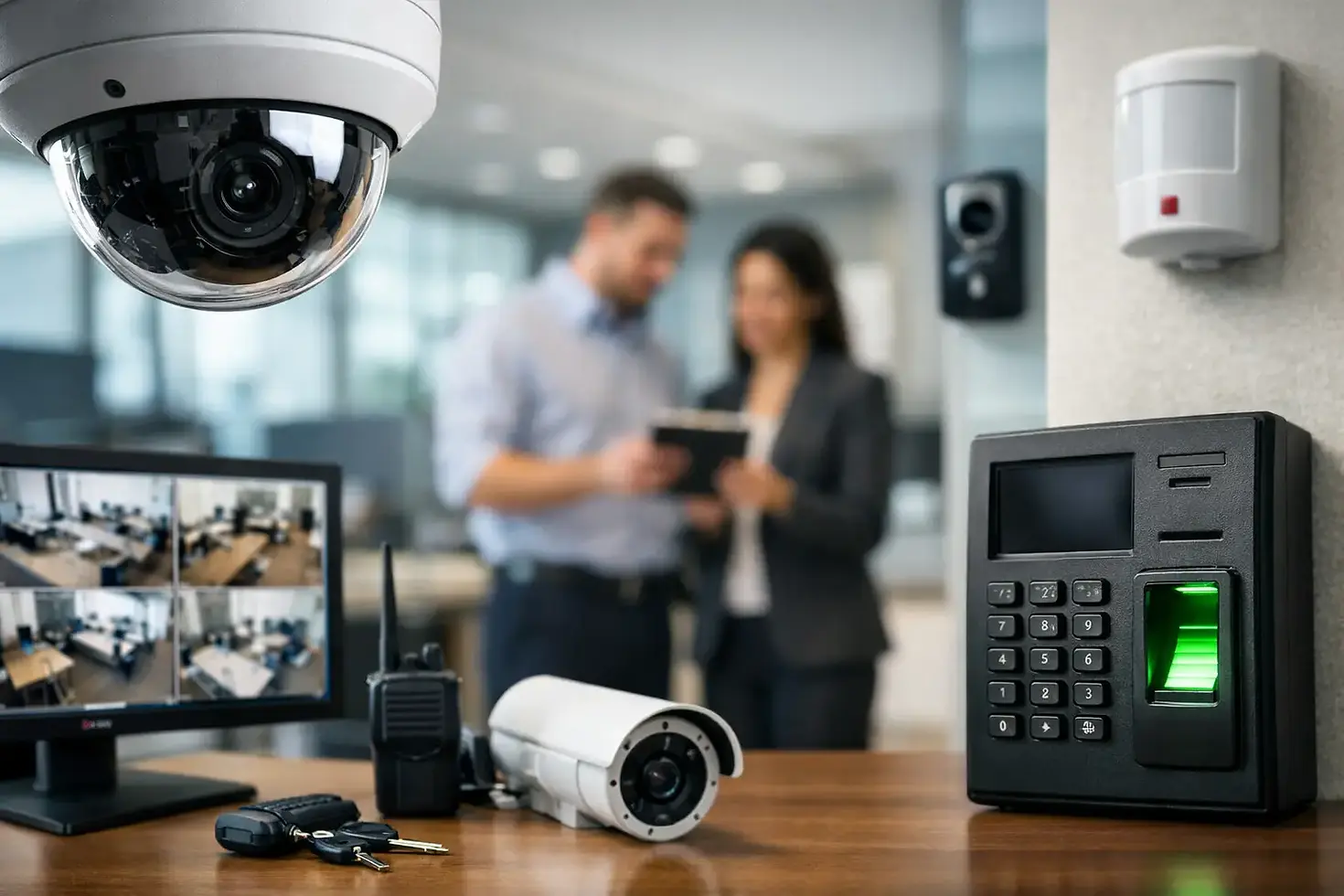
8 Best Office Surveillance Upgrades for Safer Sites
- tekmatik303

- Aug 11
- 5 min read
A blurry camera over a front door is not much help after an incident. Neither is a system that records only a few days of footage, drops offline when the network is busy, or requires an employee to search through hours of video. The best office surveillance upgrades improve what your team can actually see, verify, and act on without adding unnecessary complexity to the workday.
For small and mid-sized businesses, the right approach is rarely replacing every device at once. Start with the security gaps that create the most risk: uncontrolled entrances, delivery areas, parking lots, server rooms, cash-handling locations, and offices with sensitive records. Then build a surveillance system that supports the way your site operates.
The Best Office Surveillance Upgrades Start With Coverage
Before selecting cameras or storage, walk the property with a practical question: if an event occurred here, would the current system show who was involved, where they came from, and what happened next? This identifies blind spots more effectively than simply adding cameras where there is empty wall space.
A good site review also considers lighting changes, door swings, customer traffic, privacy-sensitive areas, network closets, and the path cable runs will take through the building. Clean installation matters. A camera may be technically operational, but poorly routed cabling, weak mounting, or an obstructed view can turn a costly upgrade into a recurring support issue.
8 Office Surveillance Upgrades Worth Prioritizing
1. Higher-resolution cameras in critical areas
Older analog cameras and low-resolution IP cameras often cannot provide usable identifying detail. Upgrading high-risk locations to 4MP, 5MP, or 4K cameras can make a meaningful difference at entrances, reception desks, loading areas, and points of sale.
More resolution is not automatically better everywhere. A 4K camera creates larger files and requires more bandwidth and storage. In a narrow hallway, a properly placed 4MP camera may deliver the needed detail at a lower cost. Match resolution to the distance, viewing angle, and purpose of each camera.
2. Varifocal cameras for entrances and long sightlines
Fixed-lens cameras work well when the field of view is simple and predictable. Varifocal cameras are a better fit where you need to fine-tune the image after installation, such as a front entrance, parking lot lane, warehouse aisle, or long corridor.
The ability to adjust the focal length helps avoid two common problems: a view so wide that faces are too small to identify, or a view so narrow that it misses activity near the edge of the scene. This is especially useful in offices that have changed layouts since the original system was installed.
3. Better low-light and night coverage
Security events do not follow business hours. Cameras at exterior doors, dumpster areas, parking lots, and secondary entrances need to produce useful video after dark, not just a grainy silhouette.
Look for cameras with strong low-light performance, infrared illumination, or color night vision where adequate ambient lighting exists. Exterior lighting may also need attention. A camera upgrade cannot fully correct a site that has deep shadows, bright headlights, or a poorly lit entry path. The best results come from planning cameras and lighting together.
4. Smart motion alerts and video analytics
Basic motion detection can create a flood of false alerts from trees, shadows, passing cars, or routine foot traffic. Modern analytics can distinguish people, vehicles, and certain types of activity, helping staff focus on notifications that deserve attention.
For example, an operations manager may want an alert when a person enters a restricted rear doorway after hours, but not every time a vehicle passes the building. Analytics should be configured carefully. Too many alerts lead to alert fatigue, while overly aggressive filters can miss an event. Test settings against the real environment before relying on them.
5. Expanded recording retention and healthier storage
Many businesses discover too late that footage was overwritten before an issue was reported. Increasing retention time is one of the most practical surveillance upgrades, particularly for offices where incidents may not surface until days or weeks later.
Storage needs depend on camera count, resolution, recording schedule, frame rate, compression settings, and retention requirements. Continuous recording gives the fullest record but consumes more capacity. Motion- or event-based recording can extend retention, though it must be tuned well enough not to miss relevant activity. A properly sized network video recorder and surveillance-grade drives are essential for dependable recording.
6. Remote viewing with clear user permissions
Remote access gives authorized managers the ability to check a site, review an alert, or support an after-hours response from a phone or computer. That convenience needs controls. A receptionist may need live viewing of the lobby, while an owner or security lead may need access to exported footage and system settings.
Create named user accounts instead of shared passwords, remove access when employees leave, and use multi-factor authentication where supported. Remote viewing should also be tested over the actual internet connection at the site. A system that looks good on the local network may perform poorly when accessed remotely if the connection has limited upload speed.
7. Access control and video integration
Cameras are more useful when video can be tied to door activity. Integrating surveillance with access control can allow staff to review video associated with a card swipe, forced-door alert, or denied entry attempt. It adds context quickly and reduces the time spent searching recordings.
This upgrade is particularly valuable for offices with employee-only areas, equipment rooms, pharmaceutical storage, file rooms, and multi-tenant entries. It also supports cleaner investigations when the system can show both who used a credential and what occurred at the door. The trade-off is that integration requires thoughtful design across cabling, network configuration, controllers, and user administration.
8. Network and power improvements behind the cameras
A surveillance system is only as reliable as the infrastructure supporting it. Cameras that randomly disconnect, fail to record, or reset during peak traffic often point to network, switching, power, or cabling issues rather than a camera problem.
Power over Ethernet switches can simplify installation by providing data and power through a single cable. Managed switches can also separate camera traffic from business-critical systems, helping protect performance across the office network. For larger sites, a battery backup for the recorder, network equipment, and key cameras can preserve recording during short power interruptions.
Build Security Without Creating Privacy Problems
Office surveillance should protect people, property, and operations while respecting employee and visitor privacy. Cameras generally belong at entrances, shared work areas, perimeter locations, inventory rooms, and other legitimate security points. They do not belong in restrooms, changing areas, or other spaces where privacy is expected.
Written policies help employees understand the purpose of the system, who can access footage, and how long recordings are retained. State and local requirements can vary, especially around audio recording and notice requirements. Before enabling audio or using advanced analytics, confirm that the intended use fits applicable laws and your workplace policies.
Plan the Upgrade Around Business Continuity
A surveillance project should not require closing the office or turning daily operations upside down. The installation sequence matters. Cabling, camera mounting, network configuration, recorder setup, user permissions, and testing should be coordinated so existing coverage remains available until new equipment is operating correctly.
For multi-location businesses, standardizing camera models, naming conventions, retention settings, and user roles makes management easier over time. It also gives your support team a consistent baseline when troubleshooting. Tekmatik can coordinate CCTV, structured cabling, network equipment, and access control as one connected project, reducing the handoffs that often delay security work.
The most effective upgrade is the one your team can rely on during a real event. Start with the areas that matter most, make sure the network and storage can support the design, and insist on clear testing before the project is signed off.


Comments