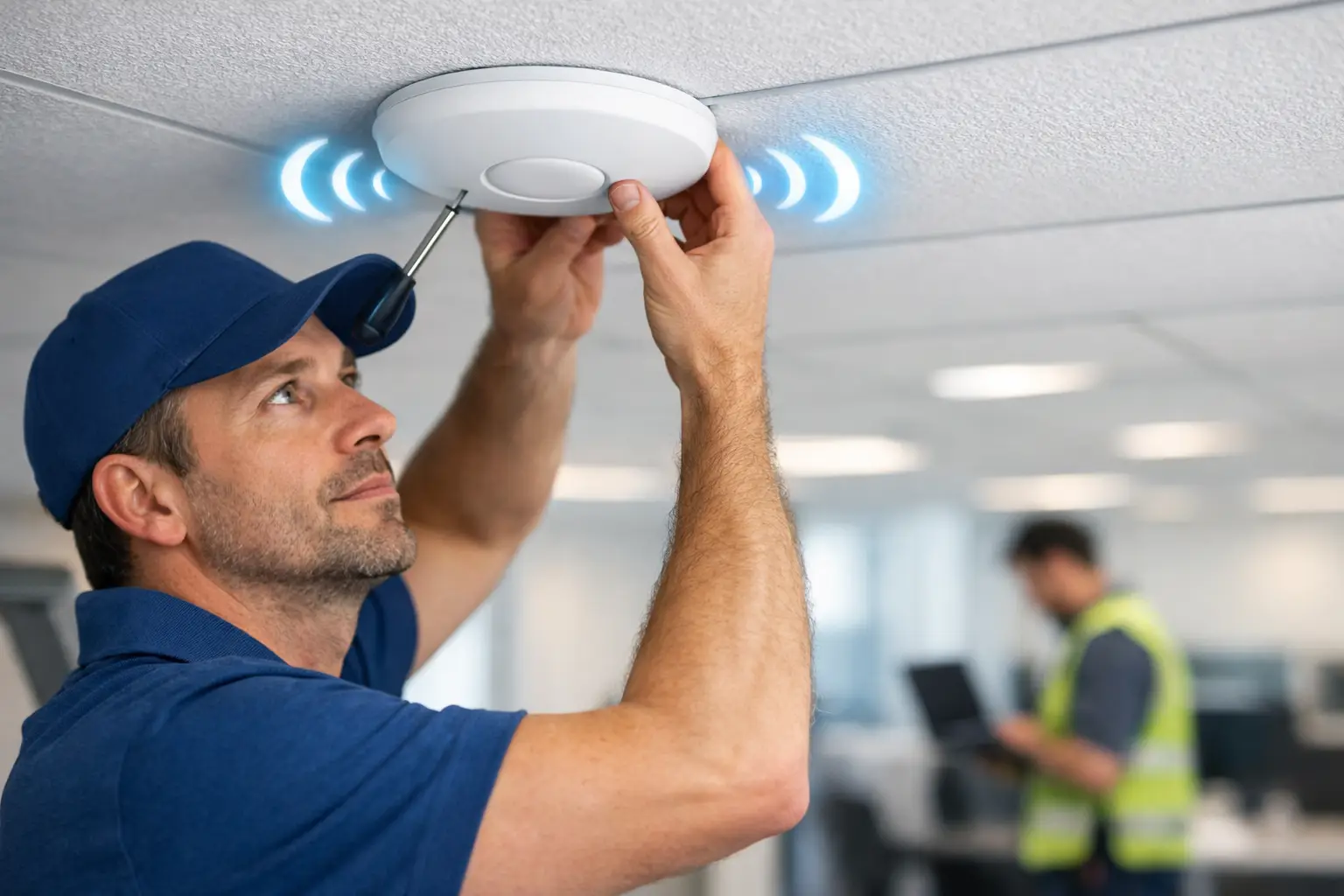
Wireless Access Point Installation Service

Dropped calls in a conference room, slow payment terminals at the front counter, and employees tethering to cellular because the office Wi-Fi falls apart in the back corner - these are usually signs that a business needs more than a router reset. A professional wireless access point installation service fixes the real issue: coverage, capacity, placement, and network design that actually match how your space is used.
For many businesses, Wi-Fi problems start small and then turn into daily friction. A retail store adds mobile POS devices. An office reconfigures workstations. A clinic brings in more connected equipment. A warehouse expands into the next suite. The network that once felt adequate starts showing gaps, not because the internet provider changed, but because the physical environment and usage changed. That is where proper access point planning and installation matters.
What a wireless access point installation service actually solves
A wireless access point is not just a signal booster. It is part of a larger network that distributes reliable wireless coverage across a building or site. When installed correctly, access points improve signal strength, support more devices, and reduce the dead zones that frustrate staff and customers.
The key phrase there is installed correctly. Businesses often assume that adding one more device to the ceiling will solve weak coverage. Sometimes it helps. Sometimes it creates overlapping signals, interference, or handoff issues that make performance less predictable. Good Wi-Fi is not just about more hardware. It is about the right hardware, in the right locations, configured for the right environment.
That matters in real business settings. Office floors with glass walls behave differently than retail stores with shelving and coolers. Multi-tenant buildings can have channel congestion from neighboring networks. Older commercial properties may have cabling constraints that affect placement. In each case, the installation approach should reflect the building, the usage patterns, and the business priorities.
Why businesses outgrow basic Wi-Fi setups
Most small businesses start with a simple network. That makes sense. The problem is that low-complexity setups tend to stay in place long after the business has outgrown them.
A single wireless router may be enough for a small open office with a handful of users. It is usually not enough for a location with private offices, dense wall construction, guest traffic, security devices, streaming displays, handheld scanners, and cloud applications all competing for bandwidth. Even when the internet speed is fine, internal wireless performance can still lag because the access layer is not designed for the load.
This is where many businesses get caught. They keep troubleshooting the provider connection when the real issue is local network design. They replace devices one at a time, move equipment around, or rely on consumer-grade extenders that patch one problem while creating another. A structured installation avoids that cycle.
What to expect from a professional installation
A business-grade wireless access point installation service should start before any hardware goes on a ceiling tile or wall. The first step is understanding the site.
That means looking at floor plan layout, user density, construction materials, cabling paths, switch capacity, and how the network supports actual operations. A front desk with cloud-based phones and appointment software has different needs than a stockroom using handheld inventory devices. A restaurant with guest Wi-Fi has different traffic patterns than a law office prioritizing secure staff access.
After the site is evaluated, access point placement can be planned with purpose. This is one of the biggest differences between a professional install and a quick fix. Placement affects signal reach, roaming performance, and overall stability. Too few access points can leave gaps. Too many in the wrong areas can create unnecessary overlap and channel conflicts.
Then comes the physical work. That includes mounting hardware securely, running or extending cabling where needed, labeling connections, and keeping the installation clean and organized. In business environments, appearance and discipline matter. Equipment should look intentional, not improvised.
Configuration is the next layer. SSIDs, network segmentation, security settings, VLAN support, device adoption, and performance tuning all affect how the network behaves after installation. If a business supports staff devices, guest access, POS systems, cameras, or IoT equipment, those environments should be separated appropriately. That is not overengineering. It is basic operational protection.
Wireless access point installation service for different business environments
Not every site needs the same wireless design, and that is exactly why standardized one-size-fits-all solutions often miss the mark.
In offices, the focus is usually stable coverage, clean roaming, and support for video calls, cloud applications, printers, and connected workstations. Dead spots in conference rooms or executive offices tend to get noticed fast because they interrupt visible productivity.
In retail, the network often has to support POS systems, back-office operations, guest access, music or display systems, and mobile devices used by staff. Coverage has to be reliable on the sales floor and behind the scenes. Downtime affects customer experience immediately.
In commercial buildings and shared properties, wireless infrastructure may also need to account for multiple suites, common areas, access control integrations, and future expansion. Planning for growth matters, especially when adding devices later would otherwise require rework.
In light industrial or warehouse settings, signal behavior changes again. Open spans, metal racks, equipment interference, and long aisles can make coverage less predictable. An installer who understands business environments will treat that as a design factor, not a surprise.
The trade-offs businesses should think about
There is no single perfect setup for every site. A good provider should be clear about trade-offs.
For example, more access points can improve coverage and capacity, but only if they are planned properly. Premium hardware may offer better management and scalability, but not every small site needs enterprise-level complexity. Ceiling mounting often gives better coverage than shelf placement, but it may require added cabling work. Separate guest and staff networks improve control, though they add configuration steps that need to be maintained correctly.
The right answer depends on how critical wireless performance is to daily operations, how many users and devices are on the network, what applications are being used, and how the business expects the site to evolve. A reliable service partner helps clients make practical decisions instead of overspending or underbuilding.
Why installation quality matters as much as equipment
Businesses sometimes focus heavily on brands and specs, which is understandable. But installation quality often has a greater impact on results than the product label alone.
Poor cable routing, weak placement decisions, messy terminations, inconsistent labeling, and rushed configuration can undermine even excellent hardware. On the other hand, a well-planned installation with the right coverage map, proper power and switching support, and disciplined setup can deliver consistent performance for years.
That is especially important when the wireless network connects to other business systems. Cameras, access control, workstations, phones, and POS environments all depend on solid infrastructure. When one provider understands both the network layer and the physical installation work, coordination tends to be smoother and problems are easier to isolate.
That cross-functional approach is part of what makes Tekmatik valuable for business clients who do not want separate vendors handling cabling, networking, endpoint setup, and site technology piecemeal.
Signs it is time to bring in a professional
If employees consistently report dead zones, devices drop off the network as they move through the building, guest Wi-Fi slows down staff operations, or new equipment keeps getting added without a clear network plan, it is time to stop improvising.
The same applies when opening a new location, remodeling an existing space, or standardizing systems across multiple sites. These are the right moments to build wireless coverage intentionally instead of inheriting old problems into a new layout.
A professional installation also makes sense when uptime matters. If your network supports payment processing, scheduling, customer service, internal communications, or connected security systems, weak Wi-Fi is not a minor annoyance. It is an operational risk.
What good service looks like after the install
The job should not end when the access points turn on. Businesses benefit most when installation is paired with testing, documentation, and support.
That means verifying coverage, checking roaming behavior, confirming device connectivity, and making sure the network performs as expected in the spaces that matter most. It also means leaving the site organized and providing enough clarity that future changes do not become guesswork.
Support matters too. Networks change. Staff count grows. Floor plans shift. New systems get added. A dependable service relationship gives businesses a path to adjust without starting over every time the environment changes.
A strong wireless network should feel invisible in the best way. Employees stay connected, customer-facing systems respond quickly, and the business can keep moving without workarounds. When your Wi-Fi stops being a daily question mark, everything around it runs better.


Comments