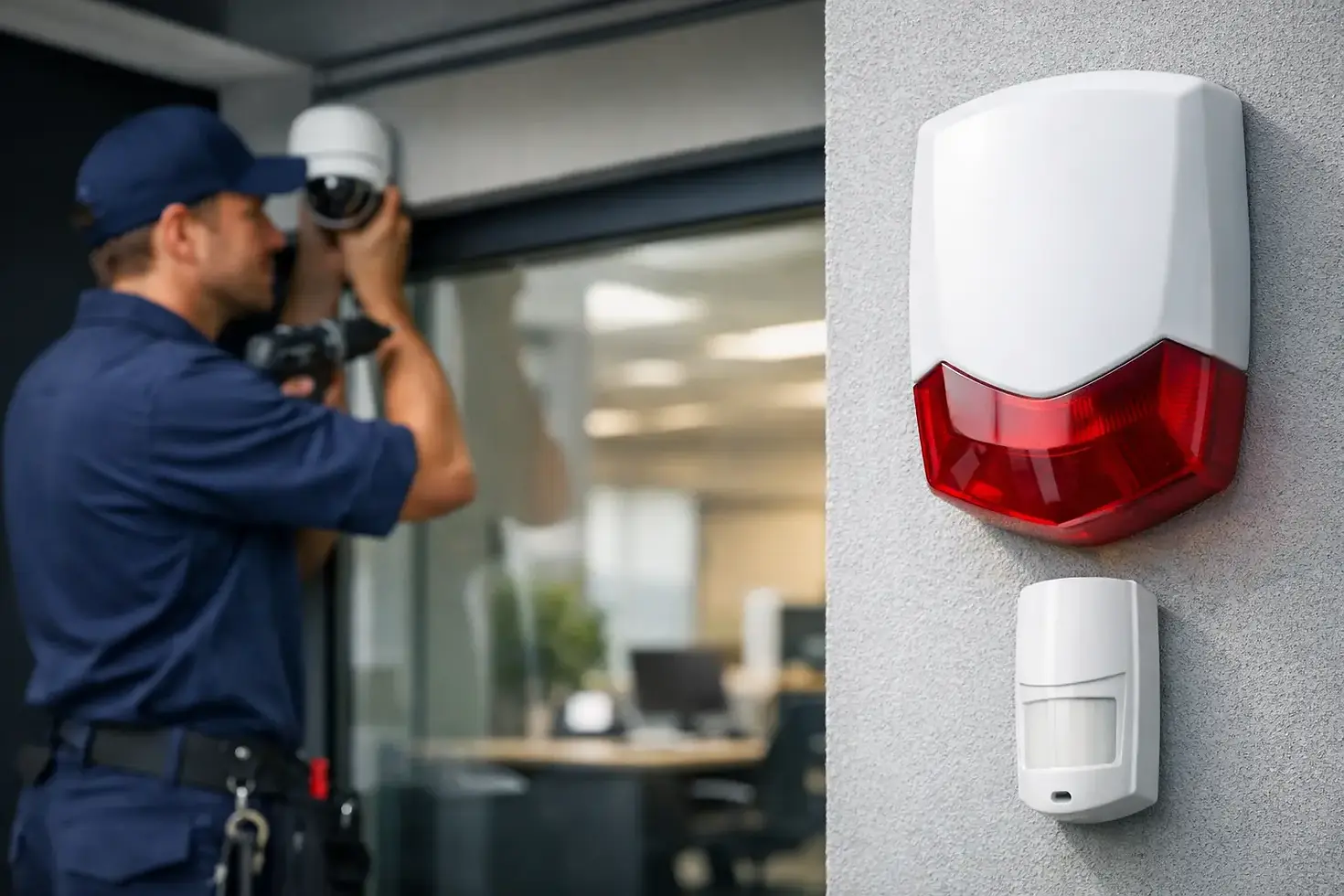
Business Burglar Alarm Installation Guide

A front door contact and a keypad are not a security plan. For most businesses, business burglar alarm installation only works when it reflects how the site actually operates - who opens first, which doors stay active, where inventory sits, and what happens after hours when nobody is there to notice a problem.
That is why alarm projects succeed or fail in the planning stage. The equipment matters, but layout, integration, and day-to-day usability matter just as much. A system that is hard to arm, throws false alarms, or leaves blind spots around loading doors will create more frustration than protection.
What business burglar alarm installation should accomplish
A good commercial alarm system does more than make noise. It should help detect unauthorized entry quickly, support a fast response, and reduce the chance that an incident grows into a major loss. For some sites, that means perimeter protection on doors and windows. For others, it means adding motion coverage in stock rooms, server rooms, offices, or restricted back-of-house areas.
The right setup depends on the business. A retail store may focus on front entrance activity, receiving doors, and cash handling areas. An office may care more about after-hours access points and interior zones that protect equipment or records. A warehouse may need layered coverage across roll-up doors, side entries, and sections with high-value inventory.
Business owners often ask whether a standard alarm package is enough. Usually, it is not. Commercial sites have different traffic patterns, longer operating hours, more users, and more points of entry than a typical residence. That means the installation needs to account for both security and workflow.
Start with the site, not the hardware
The best business burglar alarm installation begins with a site assessment. Before choosing devices, you need a clear picture of how the facility is used and where risk actually sits. That includes building access points, employee routines, visitor traffic, delivery schedules, and areas that need tighter control.
This is also where trade-offs show up. A very aggressive sensor layout may increase detection, but it can also create more nuisance alarms if the site has cleaning crews, shared access, pets, vibration, or temperature shifts after hours. On the other hand, a sparse design may keep things simple but leave vulnerable gaps.
A practical installation plan usually answers a few core questions. Which doors need contacts? Where do motion detectors make sense? Are glass break sensors useful, or would door and motion coverage do the job better? Does the business need separate arming zones for different departments, tenants, or operating schedules?
When these decisions are made early, the finished system tends to be easier to use and easier to support.
Core components in a commercial alarm system
Most business alarm systems rely on a mix of devices rather than one detection method. Door contacts are the baseline for perimeter protection and help confirm whether an entry point has been opened. Motion detectors add interior coverage and are especially useful in areas that should be empty after hours.
Glass break sensors can help in locations with vulnerable storefront glass or windows near public-facing access points. Keypads, mobile control options, and user credentials affect how easy it is for staff to arm and disarm the system correctly. If the interface is clunky, mistakes become more common.
The control panel is the center of the system, but communication matters just as much. If signals cannot reach the monitoring path reliably, detection loses value. That is why signal path planning, backup considerations, and clean device placement are part of installation quality, not an add-on.
For many businesses, alarm devices also need to work alongside CCTV and access control. That combination gives staff more context during an incident. An alarm event is more useful when it can be tied to a camera view or restricted-door activity rather than treated as an isolated signal.
Why integration changes the value of the system
A standalone alarm can still protect a site, but integrated systems create a much clearer operational picture. If a burglar alarm triggers at a side entrance and the business also has cameras and managed door access, it becomes easier to verify what happened and respond faster.
This matters even more for multi-location businesses. Separate vendors for alarms, networking, cameras, and access control often create support headaches. When systems overlap but nobody owns the full environment, troubleshooting takes longer and accountability gets blurry.
That is one reason many companies prefer a partner that can handle the broader infrastructure. Tekmatik works in that space, where alarm installation is not treated as an isolated device job but as part of the site's larger technology environment. That approach tends to reduce handoff issues and makes future upgrades easier.
Common mistakes in business burglar alarm installation
The most common issue is under-design. Businesses sometimes install just enough equipment to check a box, but not enough to cover actual risk. A single motion detector in a large retail floor, for example, will not make up for weak coverage on rear exits or storage rooms.
The second issue is poor device placement. Sensors can be technically installed and still be positioned badly. A contact on the wrong door frame, a motion detector aimed into a problem area, or a keypad placed where staff struggle to use it during opening and closing routines will weaken the system.
Another frequent problem is ignoring operations. If managers need one arming schedule but receiving staff need another, the system should reflect that. If cleaners or overnight teams need limited access, that should be built into user permissions and zones. Otherwise, false alarms and workarounds become part of daily life.
There is also the issue of future growth. A small office may be fine with a simple setup today, but if the business plans to add camera coverage, additional doors, or a second suite, the installation should leave room for expansion.
What businesses should expect during installation
A well-run project should feel organized from the start. That means defined scope, clear device placement, clean cable routing where needed, and coordination around business hours so installation does not disrupt staff or customers more than necessary.
On-site execution matters. Commercial clients notice whether technicians work cleanly, label properly, and communicate clearly about access, testing, and user setup. A business alarm is not finished when the hardware is mounted. It is finished when zones are tested, users understand how to operate the system, and the site can rely on it.
Training is often overlooked, but it affects long-term performance. If only one person knows how to arm, disarm, bypass, or respond to alerts, problems show up quickly when schedules change or managers are out. Businesses should expect practical handoff, not just a quick walkthrough.
Support after the install matters just as much
Even a strong system needs support. Codes change, staff turns over, doors are reconfigured, and sites expand. Sensors can drift out of alignment, communication paths can need attention, and users can forget procedures. Ongoing service is part of maintaining protection.
For that reason, the best business burglar alarm installation is not just about getting devices on the wall. It is about having a support path after go-live. Businesses should know who to call, how issues are handled, and whether the same provider can also help with related systems if the site evolves.
That becomes especially valuable when alarms are tied to networked devices, access control, or cameras. Support is faster when the provider understands the full environment rather than one narrow piece of it.
How to know if your current system needs replacement
If your alarm system produces frequent false alarms, leaves key areas uncovered, lacks useful user controls, or feels disconnected from the rest of your security setup, it is probably time for a closer review. The same is true if your business has changed locations, added inventory, expanded hours, or taken over adjacent space without updating the alarm design.
A system does not need to be completely outdated to become a poor fit. Sometimes the issue is not age but mismatch. The business grows, operations change, and the original layout no longer reflects the site. In those cases, a targeted upgrade can be more effective than patching the same problems over and over.
Business security works best when it is planned around real operations, installed cleanly, and supported by people who understand the full site. If your current setup feels like an afterthought, that is usually the first sign it is time to fix it properly.


Comments